Home / Use cases / Your first program and your first volunteers
Use case · for founders
Your first program and your first volunteers
Updated October 2026
Name the program, give it one goal, post a weekly shift, and put it on your public page. Here is how a founder gets four mentors to the first Tuesday and has the numbers recorded before the day is out.
The problem, in your words
The paperwork is done. The program is not. It is an after-school session, Tuesdays, four mentors, starting next month, and right now it lives in your head. You have to tell people what it is, find the four, and sign them up. Then someone will ask how many kids came. You will be piecing it together from a group text and a notebook.
You are not disorganized. You have a program and no place to put it. The fix is a place: the program, its first goal, its first shift, and the page people sign up on, all from one workspace.
The last founding step creates the program. Give it one goal and one thing to count. Invite the mentors you know by name; post the Tuesday shift so the ones you do not know can sign up from your public page. Flip the page live. On Tuesday, check the mentors in on your phone and their hours are recorded; log the session and the students in a minute. That is the whole first month.
The org in this example
Starter band (under $50K a year, $0)
An invented example, sized like the orgs Ember is built for. Not a customer.
The walkthrough
The program comes out of the founding checklist
The last step of Ember Spark asks for your fiscal year and the name of your first program. Type After-school mentoring and finish. The program is now real in Ember Programs, and Ember offers to switch on the couple of apps you will need for it. The founding checklist itself can be tucked out of sight whenever you are done with it.
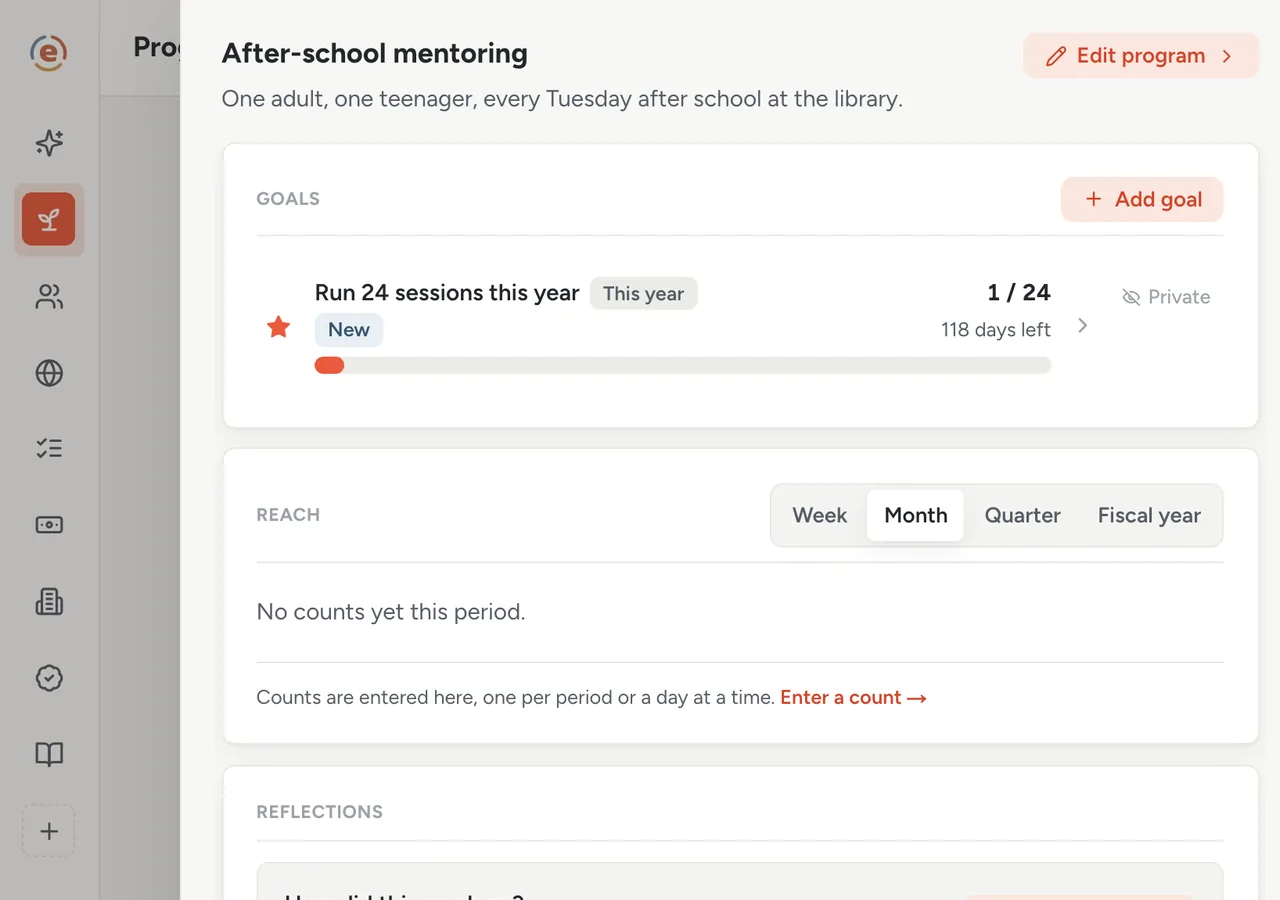
The program exists. One goal and a couple of apps to turn on. Demo data. One goal, one thing to count
Pick what you want to count from the list: sessions, and students. Set the first goal at 24 sessions this year. Every count you log later moves that goal along and tells you whether you are on pace to hit it. Switch the sessions number to On your website. Nothing you count appears on your public page until you switch it on. Leave students private.
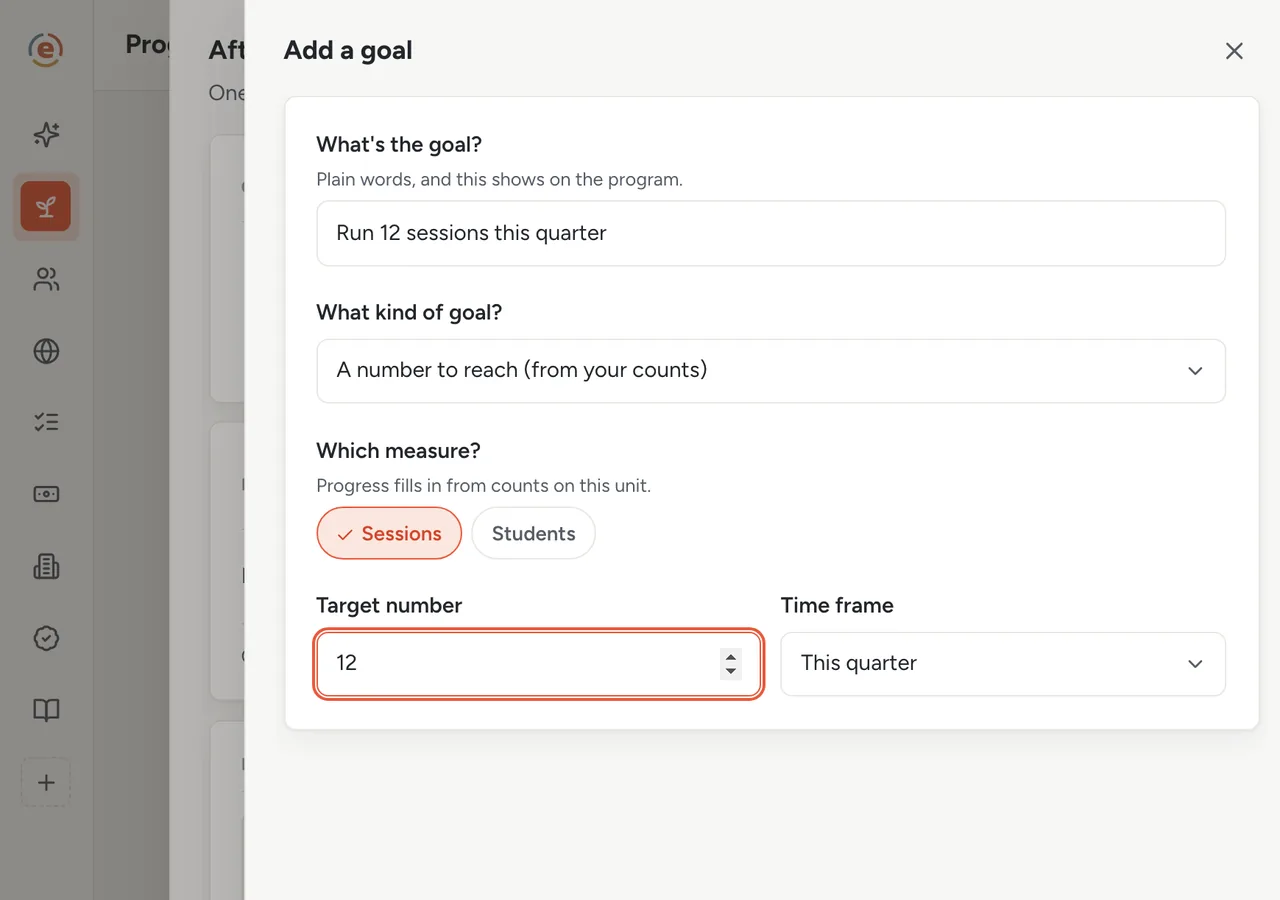
One goal, one unit, one time frame. Demo data. Invite the people you already know
In Ember Volunteers, invite the two friends you already have by first name and email. Each gets an email inviting them. Set what a new volunteer has to do before they start: an orientation, and a background check that has to be redone every year.
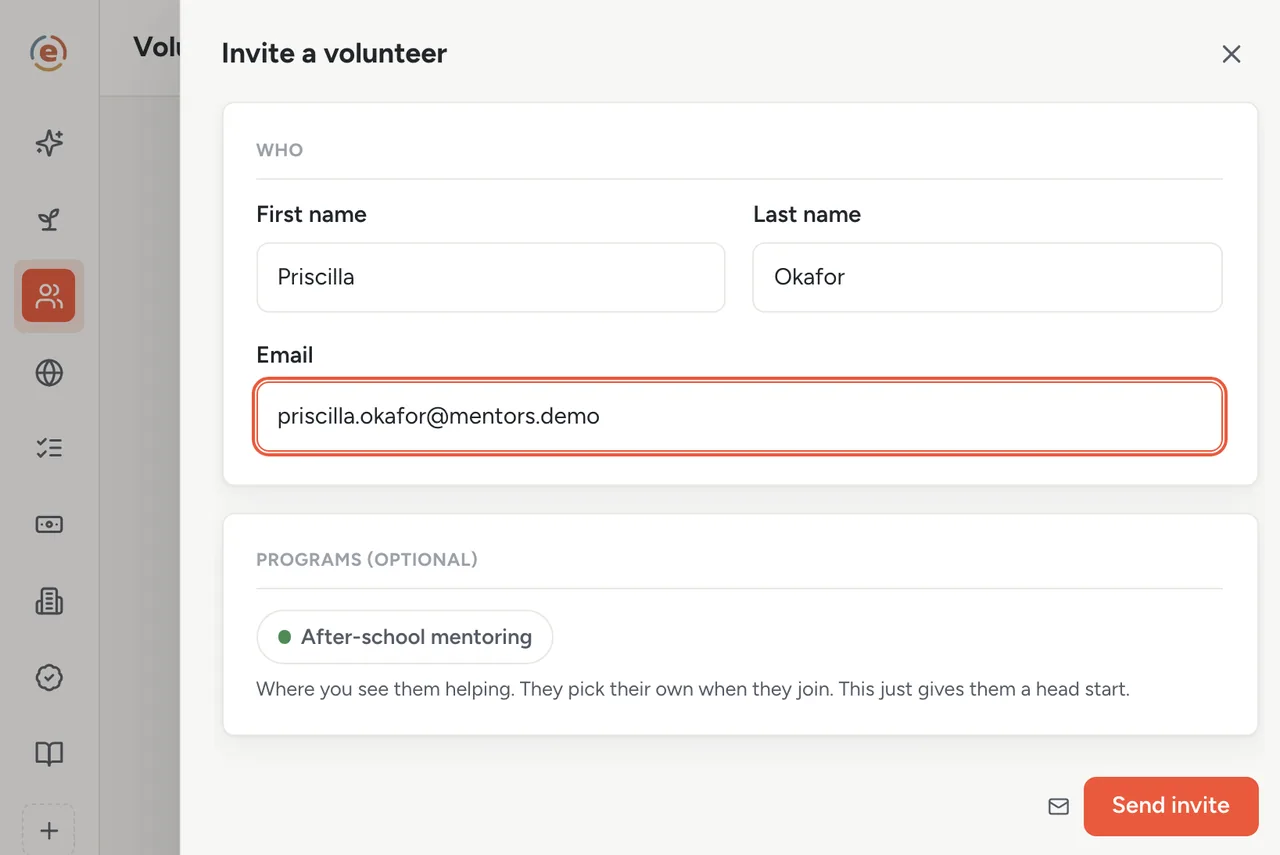
Two invitations. The rest come from the page. Demo data. Post the Tuesday shift
Write the ask, a sentence about the program, Tuesdays at 4:00 PM, four spots, repeating every week until June. Ember hands you a sign-up link when you save it. You have not opened a form builder.
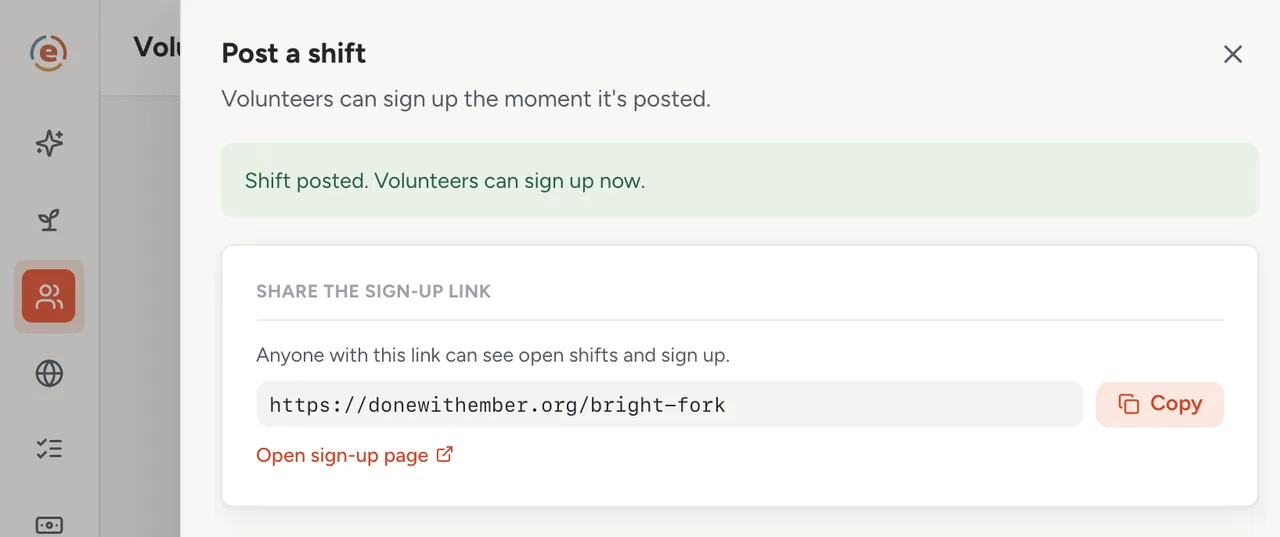
The shift, posted once, and the link to give people. Demo data. Flip the page live and let people find it
Your page in Ember Web already shows the program and its Tuesday shift with a Sign up button on it. Flip the page to Live and confirm. A parent from the school signs up with a name and an email. She stays off your list of volunteers until you confirm her yourself. One thing to know. Until you link your EIN to the public IRS record, the page will take 25 public sign-ups in total across all your shifts. Link it early.
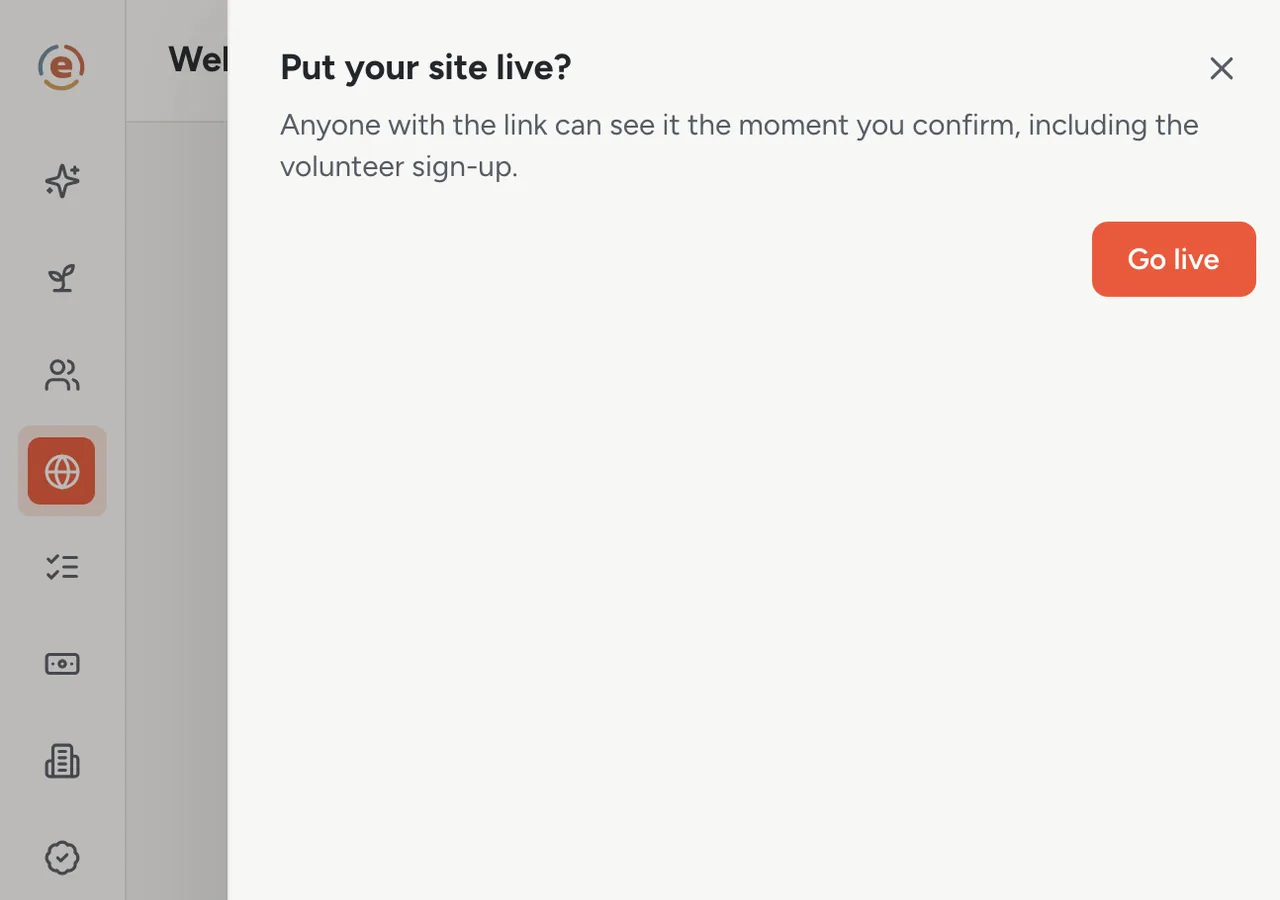
One confirm. The program and its shift are public. Demo data. Tuesday: check in, and log the session
Four mentors turn up, nine students. Check each mentor in on your phone, and each of them is credited with 90 minutes. Log one session and nine students against the program. The goal moves to 1 of 24. Next Tuesday, do it again. By spring, the numbers for the report are already in.
Who does what
If you are the founder
You go from a filed 1023 to a running program with a sign-up page without making a spreadsheet.
If you are the first volunteer
You get an email, an orientation to complete, and a Tuesday. Your hours are recorded when you show up.
If you are the parent who found the page
You tapped Sign up, gave your name, and you are in. No account, no app.
- A first program with a day, a place and a handful of volunteers to find.
- A founder with no staff and a phone.
- A wish to count sessions and students from week one, so the first report is easy.
- Volunteers who should be able to sign up without an account.
What it costs at this size
An org with a budget under $50K a year sits in the Starter band: $0, every app, unlimited users. Four volunteers or forty, the same. See every band.
Free templateVolunteer onboarding checklist
What to ask a new volunteer to do before their first shift, and what to skip.
This is general information, not legal advice. Rules on volunteers, minors, waivers and background checks vary by state and by program. Check with your insurer or an attorney before you rely on any of it.
The Ember tool for this stepEmber Spark
Ember Spark walks you through the 12 steps of founding a nonprofit, with starting drafts of your bylaws and conflict-of-interest policy, your Form 1023 narrative and a bank resolution. Finished steps fill in the rest of your workspace. Unlimited users on every tier.
The Ember tool for this stepEmber Programs
Ember Programs gives each program its goals, its counts and a weekly reflection, and shows whether each goal is on pace. Unlimited users on every tier.
The Ember tool for this stepEmber Volunteers
Ember Volunteers lets people sign up for your shifts from one link, with no account. You check them in on your phone, and their hours are recorded. Unlimited users on every tier.
The Ember tool for this stepEmber Web
Ember Web gives you a free public page with your mission, the numbers you choose to publish and your open shifts. It stays current as you work in Ember. Unlimited users on every tier.
Sources: The org and people on this page are an invented example; Ember has no customer data to report yet. Product behavior is described as built on 3 September 2026 and re-checked at each release.